
How Sellers Fake Screenshots (and How to Catch It)
Edited dashboards, borrowed accounts and cherry-picked dates: how fake revenue screenshots work, how to spot them, and how to verify numbers at the source.
Almost every online business listing includes screenshots: a revenue dashboard, a traffic graph, an affiliate earnings page. Most are honest. But fake revenue screenshots are one of the oldest tricks in the business-for-sale world, because a picture is easy to edit and hard to check. Knowing how the tricks work, and how to verify numbers at the source, protects you from paying for income that doesn’t exist.
This guide explains the common ways screenshots are faked or misleading, the warning signs, and the simple checks that catch them. It’s written for buyers, and for honest sellers who want to show their numbers in a way buyers will trust.
Key takeaways
- A screenshot is a claim, not evidence. Anyone can change a number in an image or in the browser before capturing it.
- Common tricks: edited figures, cherry-picked dates, borrowed dashboards, combined sites, missing refunds and recycled images.
- Ask for a live screen share where you choose the date ranges, or read-only access to the source.
- Match revenue to payouts in bank records, and check that traffic, sales and payouts tell the same story.
- Honest sellers welcome verification. Resistance to every check is itself a warning sign.
Why screenshots are easy to fake
There are two simple ways to change what a screenshot shows. The first is editing the image afterwards. The second, even easier, is changing the page before taking the picture: every modern browser includes developer tools that let anyone edit the text on a web page they’re viewing. The change only exists on their screen, but the screenshot looks exactly like the real dashboard. No special skills are needed.
That doesn’t mean screenshots are worthless. They’re a quick way to show highlights. They just can’t be the only evidence for numbers that decide a price.
Six common tricks
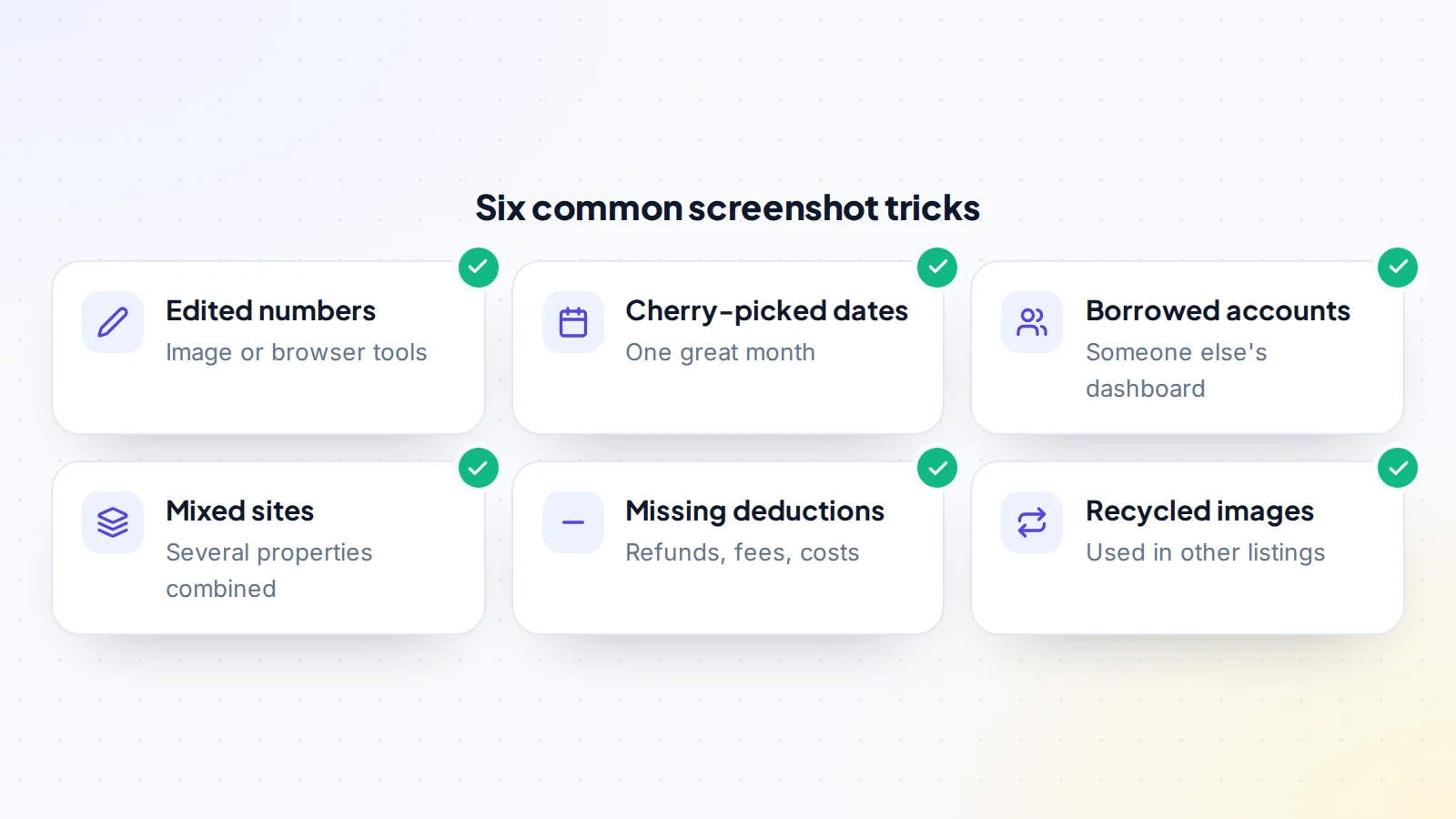
1. Edited numbers
Revenue, traffic or subscriber figures changed in the image or the browser. Look for totals that don’t add up, fonts or spacing that differ slightly, or charts whose shape doesn’t match the numbers.
2. Cherry-picked dates
One excellent month, or a short spike, presented as typical. Nothing is technically false, but the picture misleads. Ask for 12 months, by month.
3. Borrowed accounts
A dashboard from a different, more successful site or account. Check that the screenshot shows the property name, domain or account ID that matches the asset for sale.
4. Combined sites
Analytics or affiliate dashboards that include several sites, presented as one. Ask whether the account has other properties and see figures filtered for this site only.
5. Missing deductions
Gross sales without refunds, chargebacks, platform fees or returned commissions. Affiliate dashboards may show earnings before reversals; payment dashboards may show volume before refunds.
6. Recycled images
Screenshots copied from other listings or old posts. A reverse image search can sometimes find the same image elsewhere.
Not just revenue: other numbers that get faked
Fake revenue screenshots get the most attention, but the same tricks appear with other numbers:
- Traffic: analytics graphs edited, filtered to flattering segments, or inflated by bot traffic that looks like visitors but never buys anything.
- Search performance: Search Console clicks shown for a whole domain group rather than the site for sale.
- Social and video stats: follower counts, reach or view figures from a different account, or from a short viral period.
- Email lists: subscriber totals that include unsubscribed or bounced addresses, or open rates from a single strong issue.
- SaaS metrics: recurring revenue that includes one-off payments, or churn figures for the best customer group only.
The fix is the same in every case: see the number in the system that recorded it, filtered to the asset you’re buying, over a period you choose.
Fake payment screenshots aimed at sellers
Sellers face the mirror-image trick. A “buyer” sends a screenshot showing a completed bank transfer or a payment confirmation, then asks for the handover to start before the money has actually arrived. The screenshot can be edited just as easily as a revenue dashboard.
The protection is simple: never rely on a screenshot of a payment. Confirm the money yourself in your own bank or payment account, or better, use escrow or a middleman, where the provider itself confirms the funds are held. Only start the handover after that confirmation comes directly from the provider, not from the other side. Our guide to escrow vs direct payment explains the options.
Warning signs
- Only screenshots, with every request for live access refused.
- Cropped images that hide the account name, property, URL or date range.
- Numbers that don’t match each other: revenue that rises while traffic falls, or affiliate earnings that don’t match the clicks.
- Perfectly round or perfectly steady figures month after month, which real businesses rarely show.
- Pressure to decide quickly “before another buyer does”.
- A new seller account with no history, listing a high-value asset.
None of these proves fraud on its own. Together, they mean you should verify everything before going further. See also how to check an online seller.
How to verify the numbers
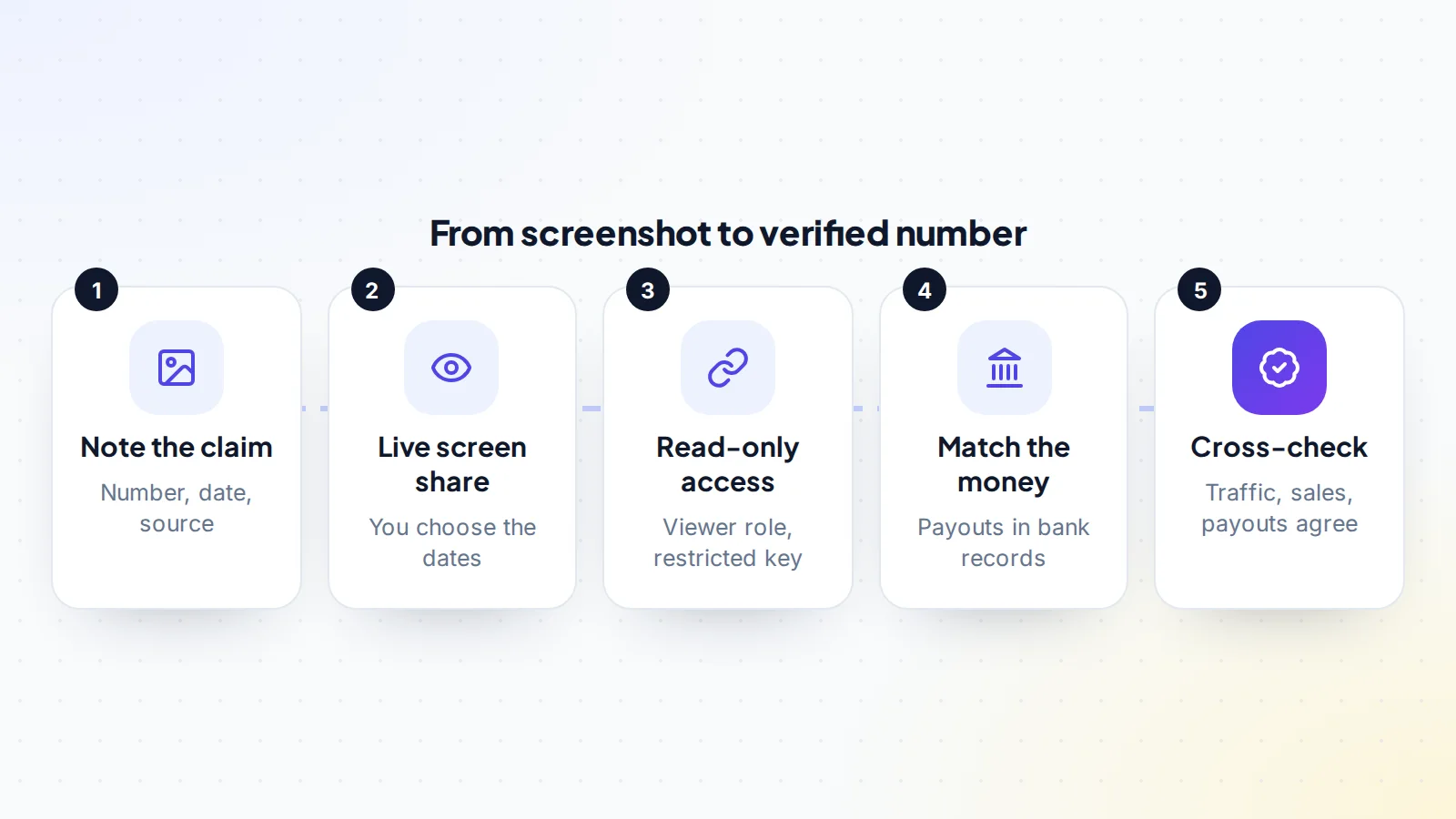
- Write down each claim: the number, the period and the source it comes from.
- Ask for a live screen share of each dashboard, where you choose the date ranges and ask the seller to click into specific reports, such as filtering to one property or opening the refunds view.
- Ask for read-only access where the platform offers it. Google’s help centre explains how account owners add users with roles such as Viewer in Google Analytics and how owners add users in Search Console. Stripe’s documentation explains restricted API keys that can be limited to read access.
- Match the money: compare revenue in dashboards with payouts in bank or payment processor statements. Real income ends up somewhere.
- Cross-check sources: traffic, conversions, sales and payouts should tell one consistent story. Large unexplained gaps deserve questions.
Our guide to verified metrics explains why connected, read-only data is so much stronger than images.
Questions that expose weak numbers
- Which account and property does this screenshot come from, and does it include anything else?
- Can you show me the same report live, for the last 12 months, month by month?
- Are these figures before or after refunds, reversals and fees?
- Where do the payouts arrive, and can you show the matching deposits?
- Why did this month differ from the others?
- Would you be comfortable adding me as a viewer for a few days?
Honest sellers answer quickly, even when the answers include weak months. Evasive or changing answers tell you more than any screenshot could. Use the replies to decide whether the fake revenue screenshots risk is real or whether the seller simply presented their numbers poorly.
A worked example
The details below are made up to show the method.
A buyer is interested in a niche review site listed with screenshots showing $4,800 a month in affiliate earnings and 90,000 monthly visitors. The images are cropped tightly around the numbers.
The buyer asks for a live screen share. In analytics, the account turns out to hold three properties; filtered to the site for sale, traffic is around 52,000 visitors a month. In the affiliate dashboard, the earnings shown in the screenshot were for the whole account, which includes the seller’s other sites. Filtered by tracking ID, the site for sale earned about $2,100 a month, and after reversed commissions, about $1,900.
The seller explains the screenshots “showed the account as a whole”. The buyer recalculates the value on the verified figures and makes an offer on that basis. The listing price had been based on more than double the real income. Without the live check, the buyer would have overpaid badly.
What to check for each kind of asset
- Content and affiliate sites: analytics filtered to the domain, Search Console for the same property, and each affiliate programme’s dashboard filtered by tracking ID, matched to payouts.
- SaaS: the payment processor’s subscription and refund reports, ideally through a read-only key, compared with the product’s own user numbers. See financial due diligence.
- E-commerce and digital products: the store’s order reports, refunds and payouts, compared with payment processor deposits.
- YouTube channels: YouTube Studio live, with revenue checked against payment records.
- Newsletters: the platform’s subscriber, engagement and paid-subscription reports, live.
- Social and game accounts: statistics shown live on the account itself, with the buyer choosing which screens to open.
Whatever the asset, the principle is identical: the closer the evidence is to the system that recorded it, the harder it is to fake.
How marketplaces help
Good marketplaces reduce reliance on screenshots. On digiflippers.com, sellers can verify ownership of the asset, connect supported data sources so figures are read directly, or upload proof that staff check. Listings show which numbers were verified and how. See how verification works. Even so, buyers should still check the numbers themselves during due diligence.
For honest sellers: showing numbers buyers trust
- Offer live access first, before buyers ask.
- Show uncropped dashboards with the property name and date range visible.
- Include the bad months and explain them; buyers trust a realistic record more than a perfect one.
- Show net figures: after refunds, reversals and fees.
- Connect your data where the marketplace supports it.
Sellers who make verification easy usually sell faster and negotiate less.
How long verification takes
Checking numbers properly sounds like a lot of work, but for a small online business it usually fits into one or two calls. A 30 to 60 minute screen share covers analytics, the main income dashboards and the payout records. Read-only access, where available, lets you review the data at your own pace over a few days. Compared with the cost of overpaying, or buying a business whose income never existed, it’s the best-value time you’ll spend in the whole deal.
Plan the call in advance: send the seller a list of the reports you want to see and the periods you’ll ask for, so nothing is rushed and both sides can prepare.
If you suspect a fake
- Don’t pay anything until the numbers are verified at the source.
- Keep copies of the screenshots, listing and messages.
- Report the listing to the marketplace.
- Never move to a different payment method or escrow service suggested by the seller; fake escrow often follows fake numbers. See how fake escrow scams work.
- If you’ve lost money, report it to your payment provider and, in the United States, at ReportFraud.ftc.gov.
Common buyer mistakes
- Accepting screenshots as proof because they “look real”.
- Checking only revenue, not traffic, payouts and refunds together.
- Letting the seller choose the dates in a screen share.
- Feeling rude for asking: verification is normal, and serious sellers expect it.
Fake revenue screenshots: the checklist
- Every claim noted with its period and source.
- Live screen share with dates chosen by you.
- Read-only access requested where available.
- Property, domain or account ID matches the asset.
- Figures filtered to this asset only.
- Refunds, reversals and fees included.
- Payouts matched to bank or processor statements.
- Traffic, sales and payouts consistent with each other.
Ready to find your next asset?
Browse listings with verified numbers, ask sellers your questions before you offer, and agree every step in a free Deal Room.
Frequently asked questions
How can I tell if a revenue screenshot is fake?
Often you can’t from the image alone. Look for warning signs such as cropping and inconsistent numbers, but rely on live access, read-only connections and payout records instead.
Is it rude to ask for live access?
No. It’s standard practice, and honest sellers expect it. Asking politely and specifically makes it easy for them to say yes.
What if the seller refuses read-only access?
Ask for a live screen share instead, where you choose what to open. If every option is refused, treat the numbers as unverified and price accordingly, or walk away.
Can bank statements be faked too?
Documents can be altered, which is why live views of the source systems, and consistency between several sources, matter more than any single document.
Do verified listings remove the need for checks?
They reduce the risk a lot, but you should still review the numbers yourself as part of due diligence.
Are fake revenue screenshots common?
No one publishes a reliable count, and most sellers are honest. But because faking a screenshot is so easy, buyers should verify every important number regardless of how trustworthy a seller seems.