How Display Ad Income Works When You Buy or Sell a Website
A guide to display ad income websites: how ad earnings are calculated, page RPM and what moves it, ad networks and management services, consent and privacy rules, page speed, seasonality, valuation and handover.

Display ads are one of the simplest ways for a website to earn: visitors read the content, ads appear alongside it, and the site is paid for the impressions or clicks. Many websites for sale earn mainly this way, from small blogs to large content sites. A display ad income website can be a steady, low-maintenance asset, but its income depends on traffic, visitor location, the time of year and how the ads are set up. This guide explains how ad income works, what moves it, how to check it before buying or selling, and how it affects value.
For sites using Google’s network, see our guide to AdSense websites for sale. For the selling process, read how to sell a website.
Key takeaways
- Ad income is roughly page views × page RPM ÷ 1,000.
- Topic, visitor location, device, season, layout and consent all move RPM.
- Verify earnings live, match them to payments and compare views with analytics.
- Ad network accounts belong to the owner, so buyers set up their own.
- Value depends on stable traffic, steady RPM and diversified income.
How display ad income works
A website joins an ad network or service, adds its code to the site’s pages, and the network fills ad spaces with advertisers’ ads. The site earns a share of what advertisers pay, usually based on impressions, clicks or a mix. Earnings are reported in the network’s dashboard and paid out on a schedule.
A useful measure is page RPM: earnings per 1,000 page views. Monthly ad income is roughly page views multiplied by page RPM, divided by 1,000. Because RPM varies so much, it’s the number to understand when judging any display ad income website, alongside the traffic that drives the page views.
What moves page RPM
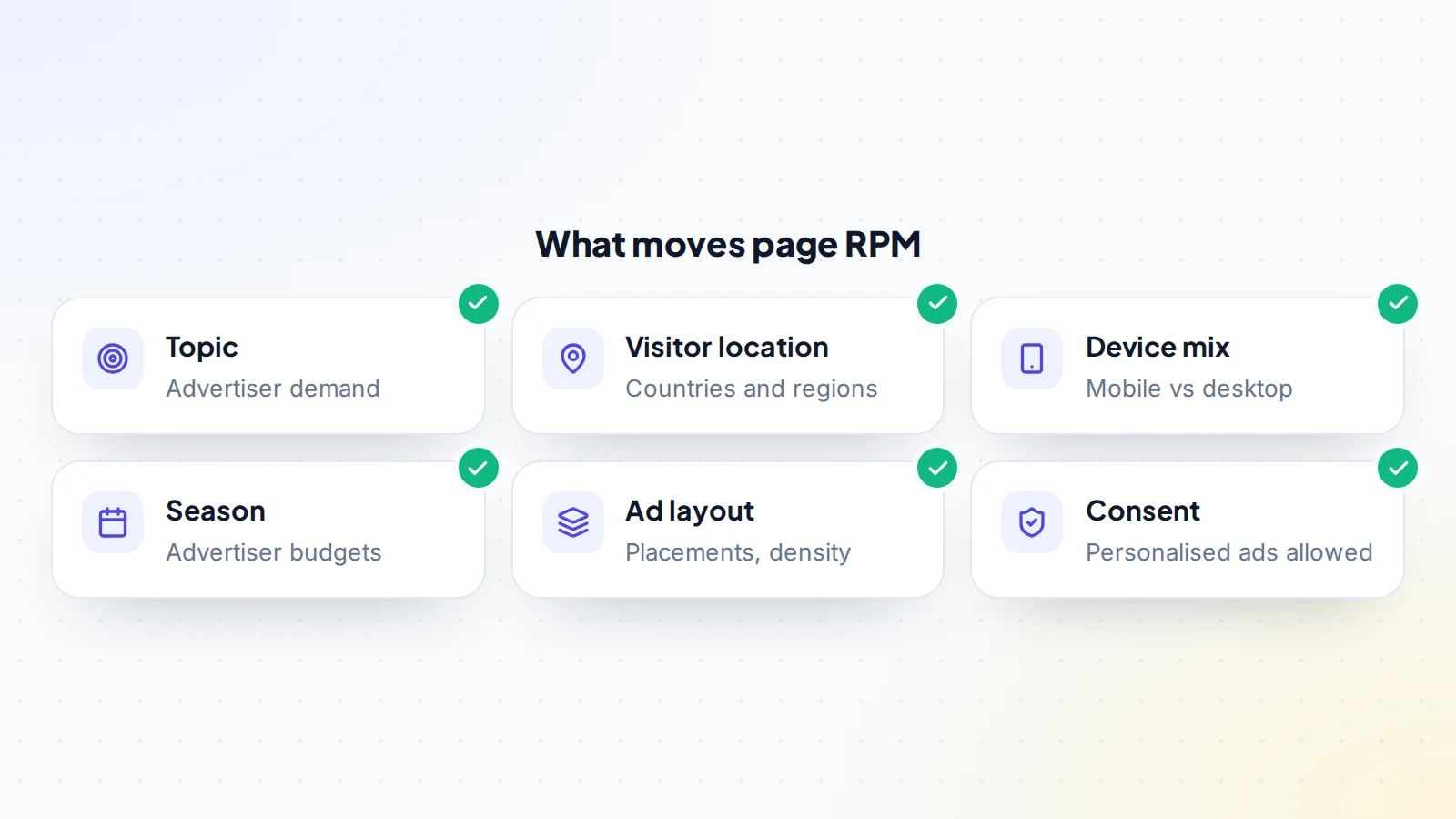
- Topic: some subjects attract more advertisers willing to pay more, which lifts RPM.
- Visitor location: advertisers pay different amounts to reach people in different countries.
- Device: mobile and desktop visitors can earn differently, depending on layouts and ad types.
- Season: advertising budgets rise and fall through the year.
- Ad layout: the number, size and position of ads, balanced against the visitor experience.
- Consent: in some regions, ads can only be personalised with visitors’ consent, which affects earnings.
Ad formats and placements
Display ads come in many formats: banners in the content, sidebar units, ads that stick to the top or bottom of the screen on mobile, and ads between paragraphs. More placements can raise short-term earnings, but each one costs some reading comfort and speed. Many networks offer automatic placement tools that test where ads perform best. When reviewing a site, look at how many ads appear on a typical page, where they sit, and how much they interrupt the content. A balanced layout tends to keep visitors reading, which supports both page views and RPM over time.
Ad networks and managed services
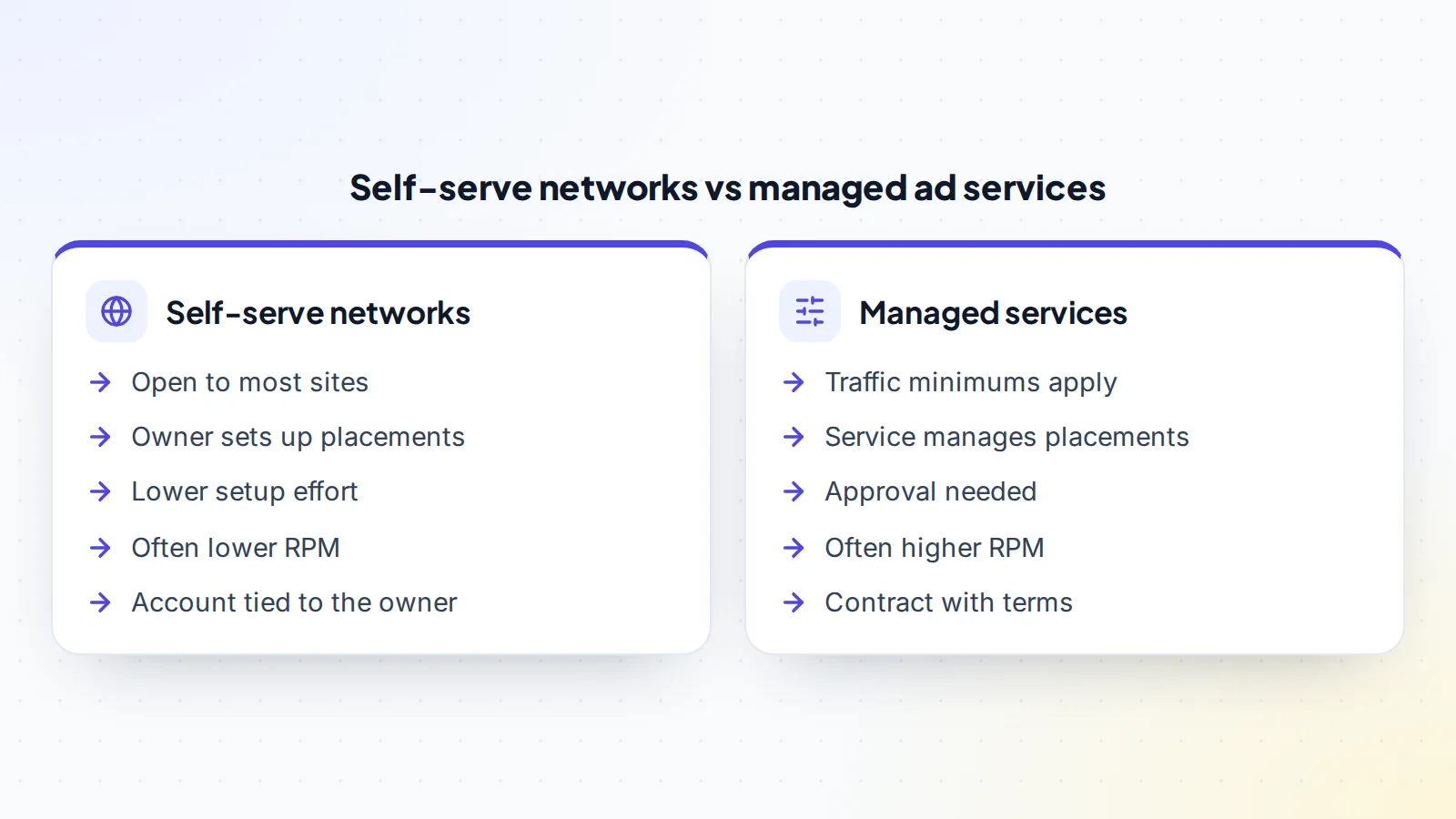
Sites use different routes to sell ad space. Self-serve networks are open to most sites; the owner places ad code and manages settings. Managed ad services handle placements, optimisation and advertiser relationships for the site, usually in exchange for a share of revenue, and often require a minimum level of traffic. Some sites use several networks together. When buying, ask which networks the site uses, what share each brings, and whether you’ll be able to join the same ones. Approval isn’t automatic, especially for services with traffic minimums or quality requirements.
Accounts stay with the owner
Ad network accounts are tied to the account holder’s identity and payment details. In a sale, the buyer normally runs ads through their own account: adding the site to it, updating the site’s ads.txt file with their own publisher ID, and replacing the ad code. Plan for a short gap while the new account reviews the site. Earnings already accrued in the seller’s account belong to the seller. Our guide to AdSense websites walks through the steps for Google’s network.
Checking ad income before buying
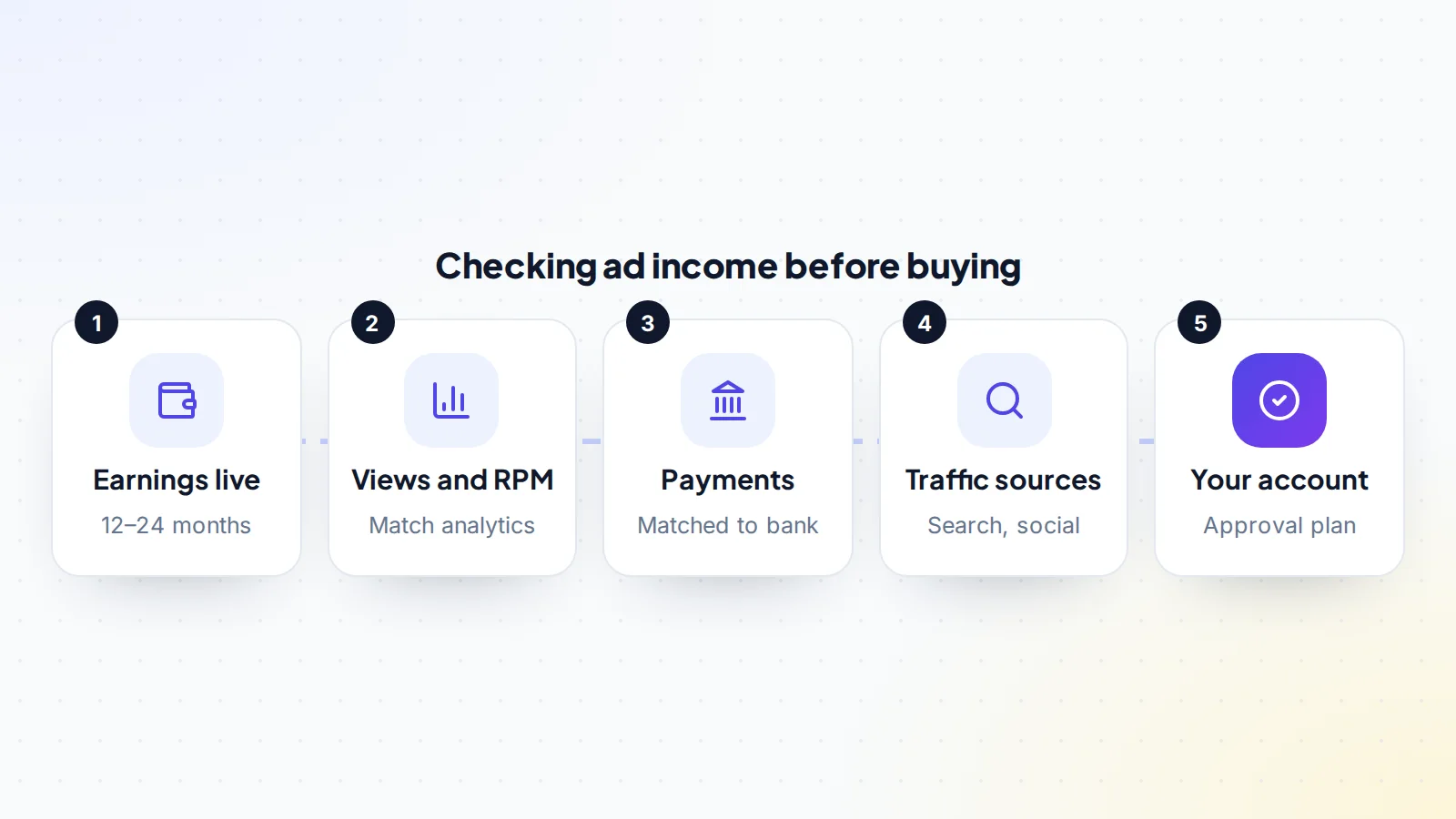
- Ask the seller to show ad earnings live in each network’s dashboard, by month, for at least 12 months.
- Compare page views in the ad dashboards with Google Analytics; they should move together.
- Match network payments to bank deposits.
- Check traffic sources, countries and devices, which explain RPM.
- Look for policy warnings or limits on the account.
Our guides to verifying revenue and verifying traffic explain each check in detail.
Traffic quality
Ad networks pay for genuine visitors. Traffic from bots, click schemes or low-quality sources can lead to deductions, limits or account action. A display ad income website is only as healthy as its traffic. Look for steady, organic traffic in the site’s natural countries, and be cautious about spikes from unusual sources or paid traffic bought to inflate page views. Ask the seller directly whether any traffic has ever been bought, and get the answer in writing.
Consent and privacy
Privacy laws in some regions require websites to get visitors’ consent before using cookies or personal data for personalised advertising. Google’s EU user consent policy, for example, requires publishers using its services to obtain consent from users in the European Economic Area and the UK where required. Sites usually do this through a consent message or a consent management platform. Check that the site you’re buying has a working consent setup where it needs one, and a privacy policy that covers advertising.
Ads and page speed
Ads add scripts and images to every page, which can slow pages down and shift content as ads load. Google’s guidance on page experience and Core Web Vitals describes how loading speed, responsiveness and visual stability affect the experience of a page. Sites with too many ads, or badly placed ones, can frustrate visitors and earn less over time as engagement falls. When reviewing a site, load a few pages on a phone and see how they feel. A cleaner layout with fewer, well-placed ads often performs better in the long run.
Seasonality
Ad income usually varies through the year as advertiser budgets change, and some topics have their own peaks. Look at 12 to 24 months of earnings to see the pattern, and note the strongest and weakest months. When pricing, use the full-year average rather than the best recent months, especially if the site is listed just after a seasonal peak.
Search dependence and updates
Most ad-supported sites get much of their traffic from search, so ranking changes show up in income almost immediately. Look at how the site’s traffic behaved through past Google updates, check Search Console for manual actions, and review the quality of its links and content. A site that has held steady through several updates is a stronger buy than one that has swung up and down. Our guides to the backlink audit and Google algorithm update risk cover these checks in detail.
Running costs
Ad-supported sites are usually inexpensive to run, but costs add up: hosting and a content delivery network for fast pages, a consent management tool, an SEO tool, image licences and freelance writers or editors. Ask for every cost by month and check them against statements. If the seller writes everything personally, add a realistic cost for replacing that work. Profit after all of these is what the price should be based on.
How ad-supported sites are valued
Display ad income websites are usually priced as a multiple of average monthly profit over the last 12 months, after hosting, content and other costs. The multiple rises with stable, diversified traffic, steady RPM, a long earning history and low owner time. It falls with heavy dependence on one traffic source, recent sharp changes, or reliance on a single ad network the buyer may not be able to join. Our guide to add-backs explains how to check profit adjustments, and you can try the free valuation tool for a starting range.
Growing ad income after buying
New owners usually grow ad income in three ways. First, more traffic: publishing useful new content on topics the site already ranks for, and refreshing older pages that have slipped. Second, better RPM: testing layouts carefully, improving page speed, and, once traffic qualifies, applying to managed services that may pay more. Third, more value per visitor: adding affiliate links or an email list alongside ads. Make one change at a time, measure traffic and RPM together, and keep the visitor experience in mind, because short-term gains from extra ads can cost long-term traffic.
Diversifying beyond display ads
Display ads are a solid base, but sites that rely on them alone are exposed to changes in ad rates and traffic. Many owners add affiliate links, sponsorships, digital products or an email list. Buyers see this as a strength, and new owners can often raise income by adding these carefully. Our guide to website flipping explains how some buyers improve sites like this before reselling them.
Starter sites and early ad income
Small sites can earn from display ads early, though income is modest at low traffic. Starter sites are often priced on their potential and content rather than earnings; our guide to starter sites explains how to value them.
Freelancers and content costs
Most ad-supported sites rely on a steady flow of content, often from freelance writers and editors. Their reliability affects the site’s future. Ask who writes for the site, what they’re paid and whether they’ll continue. Our guide to supplier due diligence covers checking the people and services a business depends on.
For sellers: presenting ad income
- Show earnings by month for each network, live, for 12–24 months.
- Match payments to bank deposits.
- Explain RPM changes and seasonal patterns.
- Give read-only access to analytics.
- Document the ad setup, consent tool and layout.
When you’re ready, list your website on digiflippers.com with 0% success fee up to $10,000, then 5% (max $5,000).
Common mistakes
- Pricing on peak months instead of the full-year average.
- Assuming you can join the same managed ad service.
- Ignoring visitor countries when comparing RPM.
- Forgetting ads.txt and consent setup after buying.
- Adding more ads and hurting the visitor experience.
A worked example
The details below are made up to show the method.
Pat is selling a travel tips site earning from a managed ad service. Over 24 months, page views averaged 300,000 a month with a page RPM that rose each summer and fell each winter. Pat prepares monthly earnings for both years, payment records and Analytics access, and notes that the managed service requires a traffic minimum the site comfortably meets.
A buyer checks the numbers, confirms the countries and devices behind the RPM, and asks the managed service about approval. The price is based on the 24-month average profit, not the summer peak. With the payment in escrow, the site moves, the buyer is approved by the service, updates ads.txt and switches the ad code. The escrow funds are released once ads run in the buyer’s account.
Display ad income website: the checklist
- Earnings seen live for 12–24 months.
- Page views compared with analytics.
- Payments matched to bank deposits.
- RPM drivers understood: topic, countries, devices, season.
- Traffic quality and sources checked.
- Consent setup and privacy policy reviewed.
- Your own ad network approval planned.
- Price based on full-year average profit.
Browse websites for sale on digiflippers.com.
Ready to find your next asset?
Browse listings with verified numbers, ask sellers your questions before you offer, and agree every step in a free Deal Room.
Frequently asked questions
How do websites earn from display ads?
They show ads from networks or managed services and earn a share of what advertisers pay, based on impressions or clicks.
What is page RPM?
Earnings per 1,000 page views. Monthly income is roughly page views × RPM ÷ 1,000.
Why do RPMs differ between sites?
Topic, visitor location, device, season, ad layout and consent all affect what advertisers pay.
Can I take over the seller’s ad network account?
Accounts are tied to the owner, so buyers usually set up their own and update ads.txt and ad code.
Do ads slow down a website?
They can. Too many or poorly placed ads can hurt speed and stability, so balance earnings with the visitor experience.
Do I need a consent message?
In some regions, yes. Google’s EU user consent policy requires consent for certain uses in the EEA and UK.
How are ad-supported sites valued?
As a multiple of average monthly profit, adjusted for traffic stability, RPM, history and owner time.