20 Red Flags When Buying an Online Business
A buyer's checklist of red flags when buying an online business: revenue and traffic that don't add up, pressure tactics, refusals to verify, unusual payment requests and handover gaps, plus how to respond to each.

Most online business sales are honest. But buyers pay a multiple of profit, so a small misstatement can cost a lot, and a few sellers do take advantage of buyers who move too fast. The good news is that problems usually show warning signs early, if you know where to look. This guide lists the red flags buying online business deals can raise, in the numbers, the traffic, the seller’s behaviour, the payment and the handover, and explains what to do when you spot one.
Red flags are part of a wider review; see our guide to due diligence for online businesses. For questions that bring red flags to the surface, read questions to ask when buying a business.
Key takeaways
- Most red flags are about proof: claims that can’t be checked at the source.
- Income that doesn’t follow traffic, or traffic that doesn’t follow history, needs explaining.
- Pressure, secrecy and changing answers are warning signs in themselves.
- Requests to pay outside escrow or the platform are the most serious red flag.
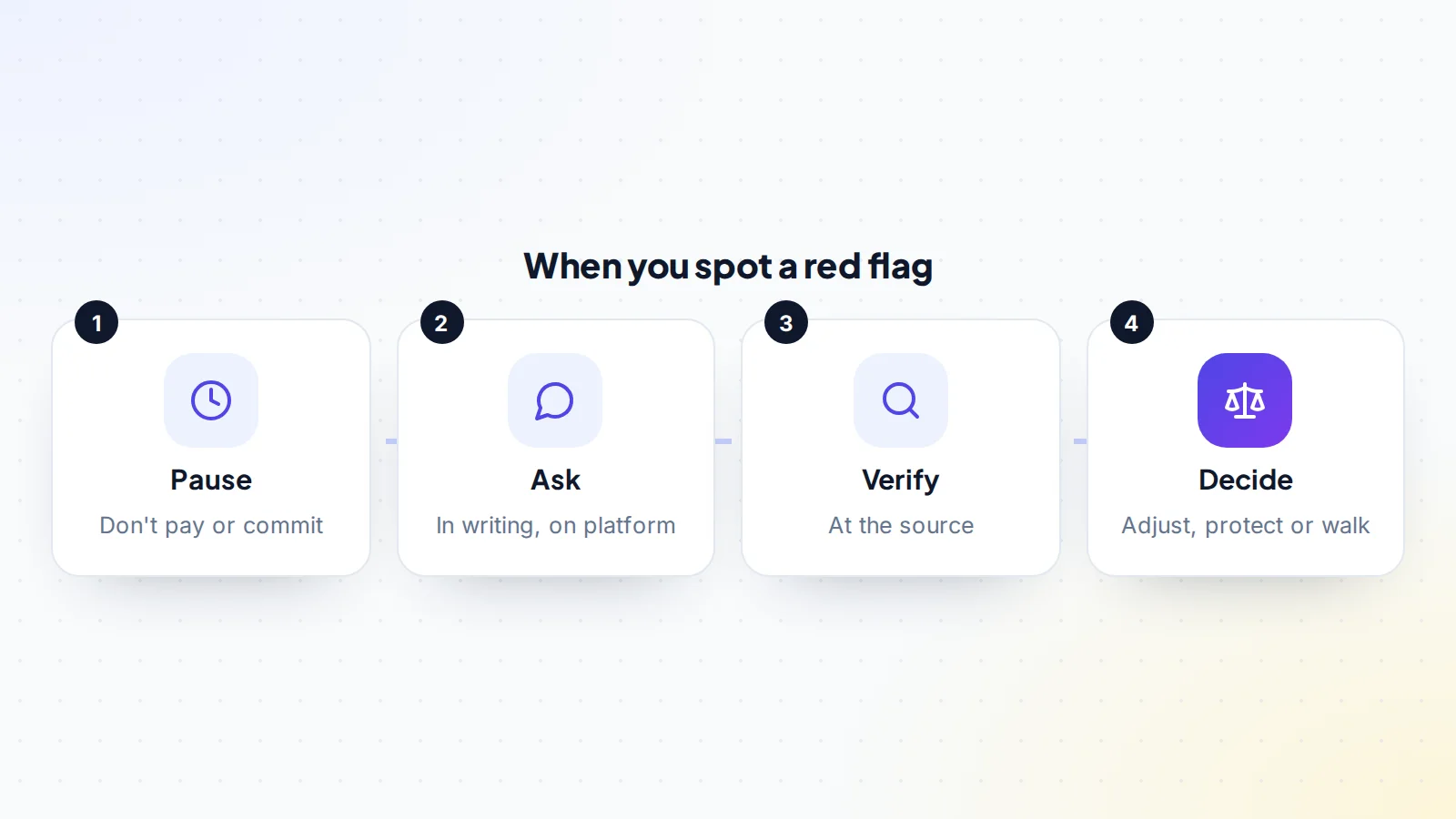
- When you spot one: pause, ask in writing, verify, then decide.
Why red flags matter
When you buy an online business, you pay today for profit you expect in the future. If the profit was overstated, the traffic was inflated or the business can’t be transferred cleanly, you carry the loss. Red flags are the early signs that something might not be as it seems. They don’t prove wrongdoing, and many have innocent explanations, but each one deserves a clear answer before you move forward. Learning the common red flags buying online business assets involves helps you ask the right questions at the right time.
Red flags in the listing itself
The listing is your first chance to spot trouble. Be careful with listings that promise very high returns with little work, use phrases like “fully passive” or “guaranteed income”, give round, unchanging profit figures month after month, or leave out basic facts such as the age of the business, how it earns or how much time it takes. A price far below similar listings can also be a warning: it may be a genuine bargain, but it’s also a common lure. None of these prove a problem, but they tell you to slow down and ask more questions than usual.
Red flags in the numbers
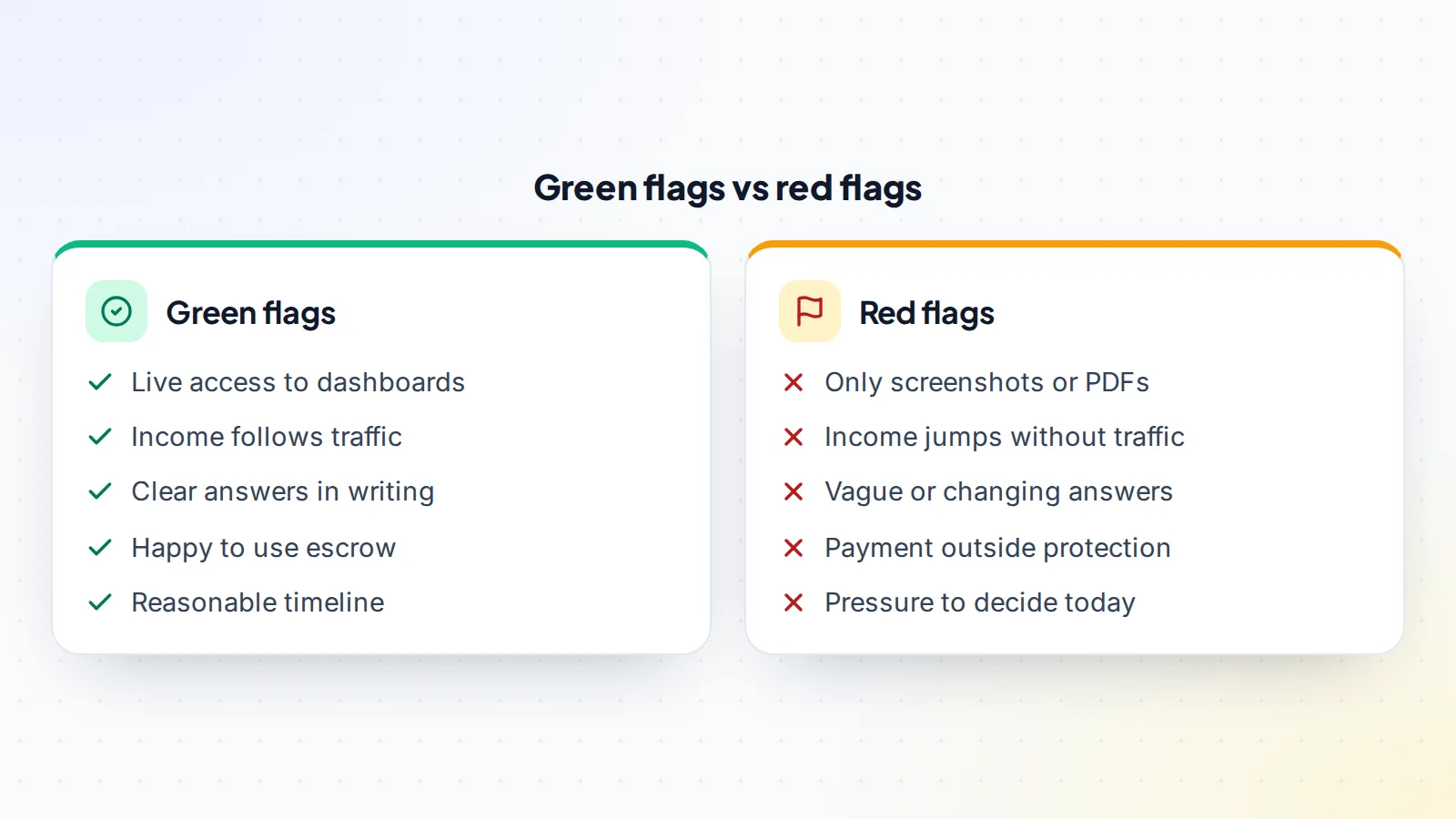
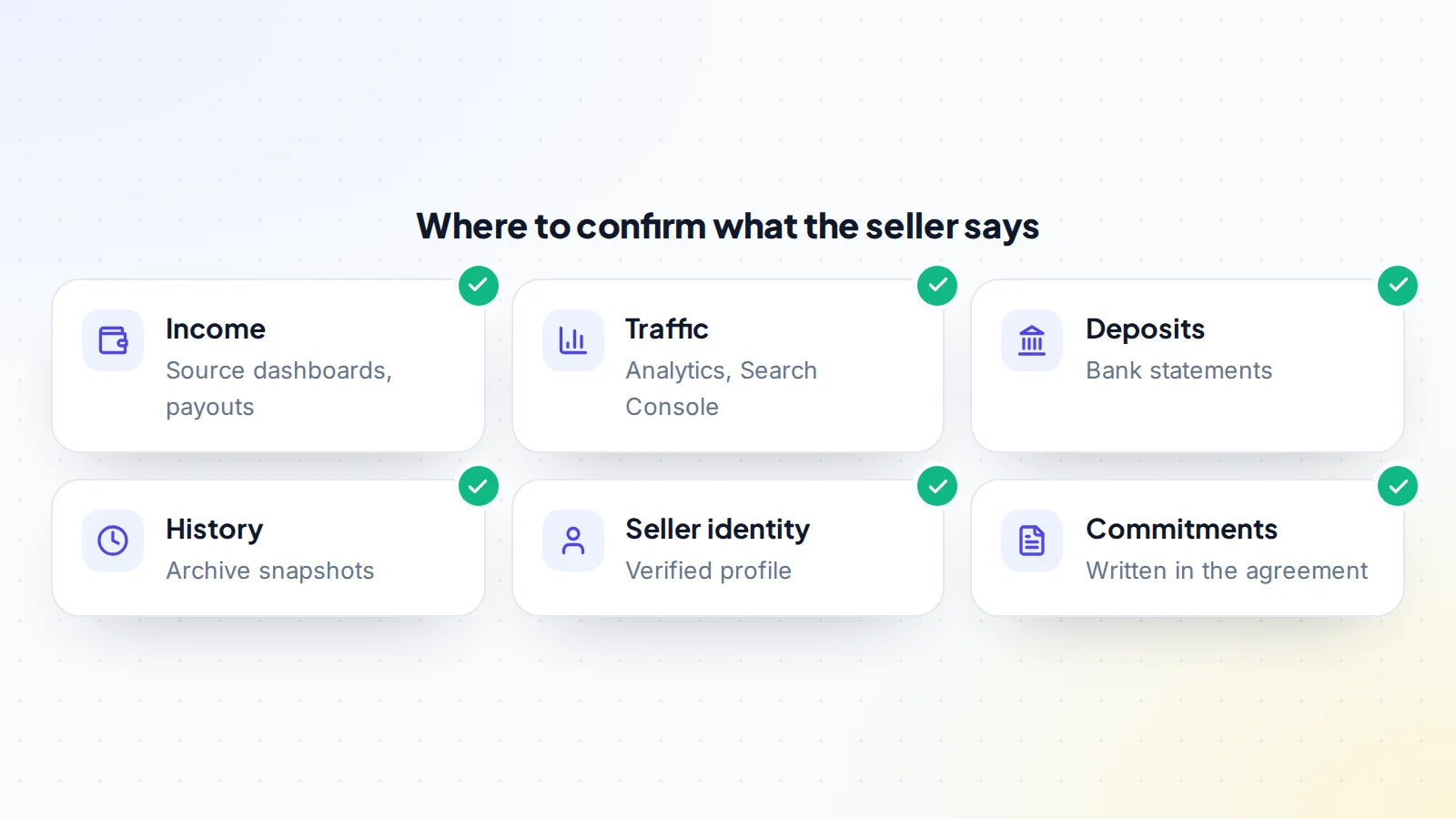
- Proof only in screenshots or PDFs: images and documents can be edited. Ask to see income live in each source’s own dashboard.
- Income that doesn’t match payouts or bank deposits: dashboards, payout reports and deposits should agree.
- Sudden income jumps with no clear cause: especially just before listing.
- Costs that seem too low: no content, tools or help listed for a business that clearly needs them.
- One-off income presented as recurring: a single large deal counted as a normal month.
- Short history: a few strong months with nothing before them.
Our guides to verifying website revenue and fake revenue screenshots explain how to check each of these.
Red flags in the traffic
- Traffic spikes from unusual sources: sudden visitors from unrelated countries or unknown referrers can be bought or automated.
- Income that doesn’t follow traffic: if visits double and income doesn’t, or income jumps while visits stay flat, ask why.
- Heavy reliance on one channel: not a red flag on its own, but a risk to price; see our guide to revenue diversification.
- Recent sharp drops: a fall after a search update that the listing doesn’t mention.
- Refusal to share analytics access: the seller can give read-only access without any risk to the site.
Red flags in search and links
For sites that rely on search, look for manual actions or security issues in Search Console, large numbers of links from unrelated or low-quality sites, and pages that look mass-produced. Google’s spam policies describe practices such as link spam and scaled content abuse that can lead to lower rankings. A site built on them carries extra risk. Ask the seller directly, and in writing, whether they’ve ever bought links or used link schemes.
Red flags in the seller’s behaviour
How a seller behaves often tells you as much as the numbers. Watch for:
- Pressure to decide quickly: “another buyer is ready today” or a deadline with no clear reason. The FTC warns that pressure to act immediately is a common sign of deceptive money-making offers.
- Vague answers: high income described without clear detail on how it’s earned.
- Changing stories: numbers or explanations that shift between messages.
- Reluctance to verify: excuses for not sharing dashboards, analytics or bank records.
- Moving the conversation off the platform: requests to continue on private messaging apps or personal email.
- A new or unverifiable identity: no history, no verified profile and no way to confirm who they are.
On digiflippers.com, members can verify their identity and their profiles show their history. See how verification works.
Red flags in payment
Payment red flags are the most serious, because they’re where money is lost. Treat any of these as a reason to stop:
- A request to pay outside escrow or the platform’s deal process.
- A request to pay by gift cards, crypto to a personal wallet or wire to an account in an unrelated name.
- An escrow service you haven’t heard of, suggested by the seller, with a link they send.
- Last-minute changes to payment details.
- Pressure to release funds before you have full control of the business.
Our guide to marketplace impersonation scams explains how fake staff and fake escrow messages work, and how to check what’s real.
Red flags in the handover
- The seller can’t say clearly how each account, domain or platform will move.
- Key accounts are in someone else’s name, such as a former partner or contractor.
- Critical knowledge sits only with the seller, with no notes or processes.
- Suppliers, contractors or partners haven’t been asked whether they’ll continue.
- The seller won’t agree a reasonable inspection period after the handover.
Our guides to operational due diligence and the inspection period explain how to check these before you pay.
Red flags in ownership and rights
Make sure the seller actually owns what they’re selling. Warning signs include a domain registered to someone else, content written by contractors without any agreement, images or fonts used without licences, a business name that clashes with a trademark, or platform accounts that can’t legally change hands. Ask for proof of ownership and check it. Where something can’t be transferred, the agreement should say so plainly, and the price should reflect it.
Red flags by business type
- Content and affiliate sites: income concentrated in one programme that has recently changed its terms, or traffic from link schemes.
- E-commerce stores: a supplier who hasn’t agreed to continue, high refund or chargeback rates, or stock that isn’t really owned by the business.
- SaaS and apps: one customer making up most of the revenue, a codebase only the seller understands, or store accounts that can’t be transferred.
- Newsletters and communities: subscriber counts that don’t match open rates, or members who joined for the seller personally.
- Social and creator accounts: engagement that doesn’t match follower counts, or income that depends on the seller’s own relationships.
Knowing the typical weak spots for each type tells you where to look hardest.
When red flags have innocent explanations
Not every red flag means something is wrong. A sudden traffic jump might come from a viral post. A short history might belong to a genuinely young business. A seller might be cautious about sharing bank statements for privacy reasons. What matters is how the seller responds: a clear explanation, backed by evidence you can check, usually settles the question. Honest sellers tend to welcome careful buyers, because careful buyers close deals. The real warning is when explanations avoid verification.
What to do when you spot one
- Pause: don’t pay, sign or commit while the question is open.
- Ask in writing: keep the conversation on the platform, so there’s a record.
- Verify at the source: ask to see the dashboard, account or document live.
- Decide: if the answer checks out, continue. If it partly checks out, adjust the price or add protection, such as a longer inspection period or an earn-out. If it doesn’t, walk away.
Write down each red flag and how it was resolved. That record helps you negotiate, and it’s useful if a dispute arises later. It also helps you compare listings: after a few deals, you’ll recognise the same warning signs much faster.
Red flags after closing
Some warning signs only appear once you’re in control, which is why the inspection period matters. In the first weeks, watch for income that drops sharply as soon as the seller’s access ends, traffic that falls away from sources the seller controlled, customers or partners who say they were never told about the sale, and accounts that still have unknown users or recovery details. Check every login, recovery email and phone number, and remove anyone who shouldn’t be there.
If something doesn’t match what you were told, raise it with the seller in writing straight away, while the payment is still held. Our guide to sale disputes explains the next steps if you can’t agree.
Protecting yourself throughout
Good process prevents most problems. Keep conversations on the platform, verify every important claim at the source, put commitments into the written agreement and pay through escrow or a middleman. On digiflippers.com, the ways to pay in a deal are: directly to the seller, through escrow, and the platform never holds the money itself. Release the payment only once you have full control of everything you paid for, and only after any agreed inspection period.
A worked example
The details below are made up to show the method.
Chris finds a niche website listed at $60,000, earning a claimed $2,500 a month. The listing shows screenshots of affiliate earnings. When Chris asks for a live screen-share, the seller agrees, and the dashboards match the screenshots. So far, so good.
Then two red flags appear. Analytics shows a traffic spike three months ago from countries the site doesn’t target, and income jumped in the same month. And the seller suggests paying through an escrow service Chris has never heard of, using a link sent by message. Chris pauses and asks, in writing, about the spike. The seller explains a one-off promotion, and the dashboards confirm the extra income came from one campaign. Chris checks the escrow link and finds the site was registered weeks ago.
Chris tells the seller the deal will only go ahead through the platform’s own payment options, with the campaign month excluded from the profit average. The seller declines, and Chris walks away, with the money still safe.
Red flags buying online business deals: the checklist
- Every income claim checked live at the source.
- Income compared with traffic month by month.
- Traffic sources and spikes explained.
- Search Console checked for manual actions and security issues.
- Seller’s identity and history verified.
- All conversations kept on the platform.
- Ownership of domain, content and accounts confirmed.
- Handover plan and inspection period agreed in writing.
- Payment only through escrow or a middleman you chose.
Ready to find your next asset?
Browse listings with verified numbers, ask sellers your questions before you offer, and agree every step in a free Deal Room.
Frequently asked questions
What’s the biggest red flag when buying an online business?
A request to pay outside escrow or the platform’s deal process. It’s where money is most often lost.
Are screenshots a red flag?
Only if they’re the only proof. Ask to see the same figures live in each source’s dashboard.
Does one red flag mean I should walk away?
Not always. Ask for an explanation and evidence. If it checks out, continue; if it doesn’t, walk away.
Is pressure to decide quickly a warning sign?
Yes. The FTC warns that pressure to act immediately is common in deceptive money-making offers. Good deals survive a few days of checking.
What if the seller won’t share analytics?
Read-only access carries no risk to the site, so a refusal is a red flag. A live screen-share is the minimum.
How do I check the seller is who they say?
Look for a verified profile and history on the platform, and keep all conversations there.
Can red flags affect the price rather than end the deal?
Yes. Some issues, such as concentration or a recent traffic drop, are best handled by adjusting the price or adding protection.