How to Write a Game Account Listing That Sells
A practical guide to writing a game account listing: the title, what to include, proof and screenshots, describing rare items and ranks, pricing, the handover section, answering questions, and keeping the listing fresh.

The listing is where a game account sale is won or lost. A buyer scrolling through dozens of accounts gives each one a few seconds. A clear game account listing, with the right details, honest proof and a simple handover plan, earns a closer look, better questions and a fair price. A vague one gets skipped. This guide walks through each part of a listing that sells: the title, the details, screenshots, rare items, pricing, the handover section and how to handle buyer questions.
If you’re still deciding whether to sell, read how to sell a game account first. For pricing help, see how game accounts are valued.
Key takeaways
- Lead with the game, the platform and the account’s best feature.
- List the facts buyers compare: level, rank, items, region, linked accounts.
- Show fresh, dated proof, and verify ownership if the marketplace offers it.
- Price on similar sales, not on what you spent.
- Explain the handover clearly; it answers the buyer’s biggest worry.
Why the listing matters so much
Game account buyers usually know exactly what they want: a certain rank, a rare skin, a high level, or a collection they missed. They search and filter, then scan titles and the first lines. A listing that shows the right facts straight away gets clicked; one that hides them behind hype gets passed over. Good listings also save you time, because buyers arrive with fewer basic questions and more serious intent.
Writing the title
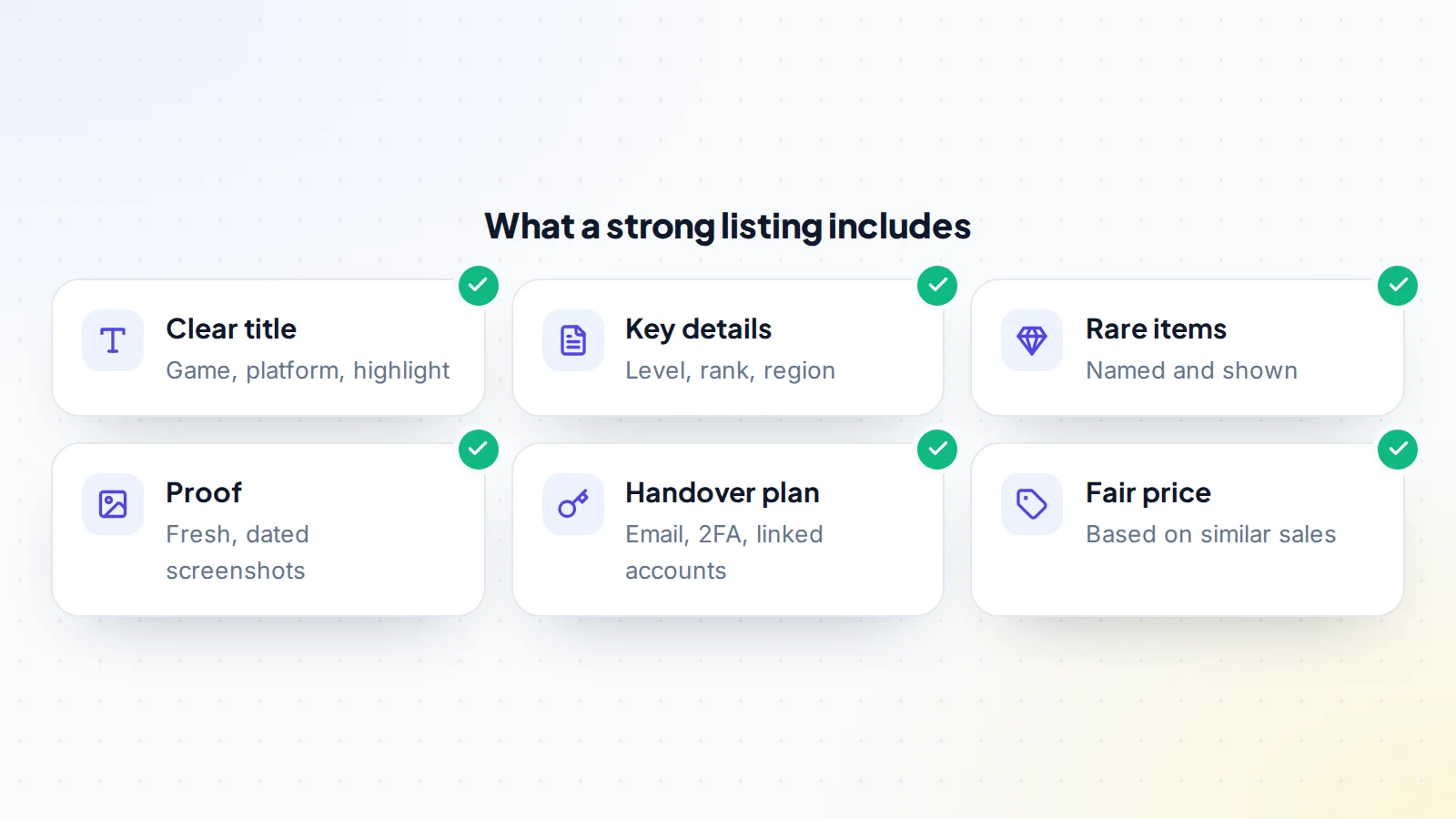
The title should answer three questions at a glance: which game, which platform, and what’s special. For example: “Valorant, PC, EU: Immortal 2 with Champions bundle” tells a buyer far more than “Insane account, must see”. If region or server matters for the game, include it, since an account for the wrong region is useless to many buyers.
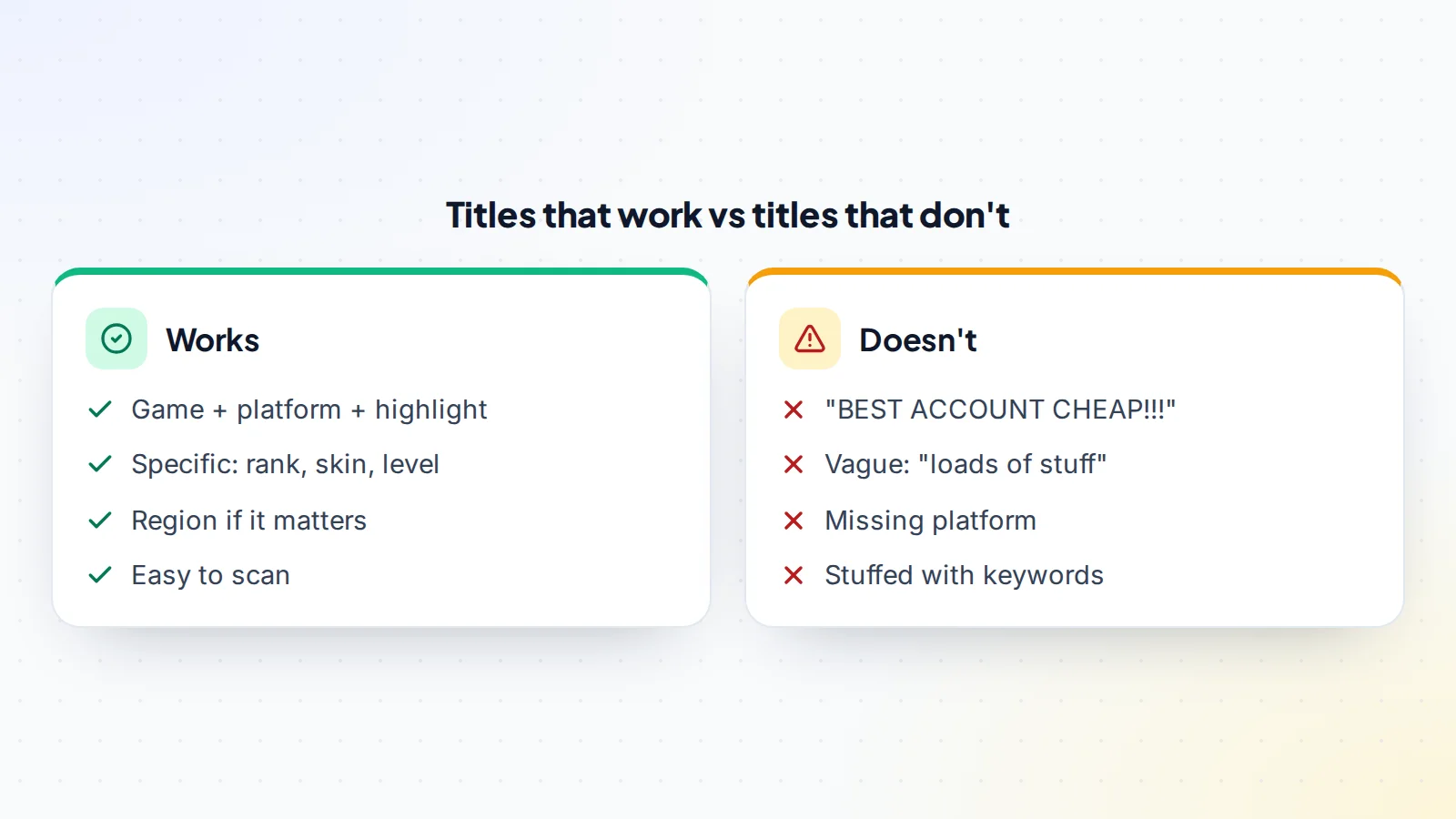
Keep it readable. Capitals, emojis and lists of keywords make titles harder to scan and look less trustworthy. One clear highlight beats five half-mentioned ones.
The key details
Buyers compare accounts on the same handful of facts. Put them near the top, ideally as a short list:
- Game, platform and region or server.
- Level, rank or progress, with the season if ranks reset.
- Main items: skins, characters, weapons, collections, in-game currency.
- Account age and any limited or event items.
- Linked accounts, such as console or launcher accounts, and whether they come with it.
- Whether the original email comes with the account.
Be precise. “Diamond 3, Season 2026” is better than “high rank”. “34 skins including two from the 2024 event” is better than “loads of skins”.
Describing rare items
Rare items are often what a buyer is really paying for, so name them exactly and show them. Use the item’s official name, note when and how it was available, and add a screenshot of it in the account’s inventory or collection. If an item can no longer be obtained, say so plainly and briefly; buyers who know the game will recognise its value. Read how rare skins are valued.
Showing ranks fairly
Ranks change with every season and, in some games, with inactivity. State the current rank, the peak rank and the season for each, so buyers know what they’ll actually get. If the game lowers ranks over time when an account isn’t played, mention when the account was last played in ranked. Read how ranked accounts are valued.
Structuring the description
Below the title, a good game account listing follows a simple order: a one-line summary, the key details as a list, the highlights with screenshots, the handover section, and a short note on price and offers. Use short paragraphs and headings so buyers can jump to what they care about. Put the most valuable facts first; many buyers never scroll to the bottom.
Write as you’d explain the account to a friend who plays the game: plain, specific and friendly. Avoid copying text from other listings. Your own words about why the account is special, such as the event you played to unlock an item or the season you climbed in, make the listing more believable and more memorable.
Category, tags and filters
Choose the right category, platform and region in the marketplace’s fields, not just in the text. Buyers often filter by these, and a listing in the wrong place won’t appear in their results. Fill in every structured field the form offers, such as rank or level; they feed search filters and comparison tools.
Write for the buyer you want
Different buyers want different things. A competitive player looks for rank, match history and region. A collector looks for rare and limited items. A casual player wants lots of content at a fair price. Think about who is most likely to want your account and make sure the details they care about are the easiest to find. The same account can attract very different interest depending on what the first lines highlight.
Several accounts or bundles
If you’re selling more than one account, give each its own listing with its own proof, so buyers can compare them clearly. Bundling a game account with linked items, such as a console account or extra games, can add value, but list exactly what’s included and how each part moves to the buyer.
Screenshots and proof
Proof is what turns interest into trust. Use fresh screenshots that show the account name, the details you’re claiming, and something that dates them, such as a note with today’s date or the marketplace name written in-game or on screen. Show the inventory, rank page, profile and any rare items. Crop out personal details such as email addresses, real names and payment information.
Don’t reuse old screenshots or images from other listings; buyers check, and it ends trust fast. Read how to prove a game account is yours for more on what buyers look for.
A short video helps
A short screen recording that scrolls through the inventory and profile, starting from the sign-in screen, is harder to fake than screenshots and answers many questions at once. Keep it under a couple of minutes, show today’s date at the start, and avoid showing personal details on screen.
Verify ownership
If the marketplace offers account verification, use it. A verified badge tells buyers the marketplace has seen proof that you control the account, which saves both sides time. See how verification works on digiflippers.com.
Pricing the account
Price on what similar accounts have sold for, not on what you’ve spent over the years. Look at recent sales and current listings for the same game, platform and region with similar rank and items. Adjust for what makes yours better or weaker: rarer items, a higher rank, the original email included, or the opposite. Read game account market trends for how demand shifts with seasons and updates.
Decide in advance whether you’ll accept offers and how low you’ll go. A firm, fair price with a short reason (“priced in line with recent sales of similar accounts”) often sells faster than a high price with “open to offers”.
The handover section
A buyer’s biggest worry is whether they’ll end up in full control. Answer it in the listing. Explain how the handover works: the email moves to the buyer or the original email comes with the account, two-step verification is moved to the buyer’s device, linked console or launcher accounts are handled as described, and you’ll be available at an agreed time to complete it. Read how a game account transfer works.
State that payment will go through escrow or a trusted middleman. That reassures buyers and attracts serious ones. Read how a game account middleman works.
Keep your security tight while listed
While your listing is live, keep two-step verification on, don’t share sign-in details before the deal is agreed and payment is protected, and be wary of anyone who asks you to sign in through a link or “verify” your account on another site. Read how to secure a game account. Epic’s guide to two-factor authentication and PlayStation’s guide to 2-step verification show how to set it up on those platforms.
Honest listings sell better
Overstating an account wastes everyone’s time: buyers find out during the check and walk away, or a dispute follows the sale. In many places, consumer law also expects sellers’ claims to be accurate; the FTC’s advertising guide for small businesses sums up the principle that claims should be truthful and backed by evidence. Mention anything a buyer would want to know, such as a missing item or a rank drop since the screenshots, before they ask.
Answering buyer questions
Reply quickly and clearly, inside the marketplace’s messages so there’s a record. Expect questions about rank history, specific items, the email, linked accounts and how the handover works. If a buyer asks for a specific screenshot, provide it with the date visible. If a buyer pushes to move the conversation or payment elsewhere, keep it on the platform; that protects you both.
Keeping the listing fresh
Update the listing when anything changes: a new season, a rank change, new items, or a price adjustment. Refresh screenshots if they’re more than a few weeks old. If the listing gets views but no messages, look at the price and the first lines again; if it gets few views, rework the title. Small changes, made one at a time, show you what buyers respond to.
After the sale
Once the buyer confirms control and payment is released, mark the listing as sold so it stops attracting messages. Leave a fair review of the buyer, and ask them to leave one for you. A history of smooth sales makes your next game account listing more trusted from day one, and buyers often check a seller’s past reviews before they ask a single question.
Common mistakes
- Vague titles that don’t name the platform or highlight.
- Old or borrowed screenshots.
- Personal details visible in images.
- Pricing on what you spent rather than on similar sales.
- No word on the email, two-step verification or linked accounts.
- Moving buyers to private chats or unprotected payments.
A worked example
The details below are made up to show the method.
Taylor’s first listing for a Fortnite account reads “OG account, tons of skins, cheap”. It gets views but few messages. Taylor rewrites it. The new title: “Fortnite, cross-platform: 2018 account with Black Knight and 120 skins, original email included”. The details list the skin count, the rare items by name, the account’s age, linked platforms and that the original email comes with it.
Taylor adds dated screenshots of the locker with the marketplace name on a note in frame, records a short video scrolling through the collection, verifies ownership on the marketplace, and adds a clear handover section with escrow. The price is set in line with recent sales of similar accounts. Within a week, three serious buyers ask specific questions, and one completes the purchase through escrow.
Game account listing: the checklist
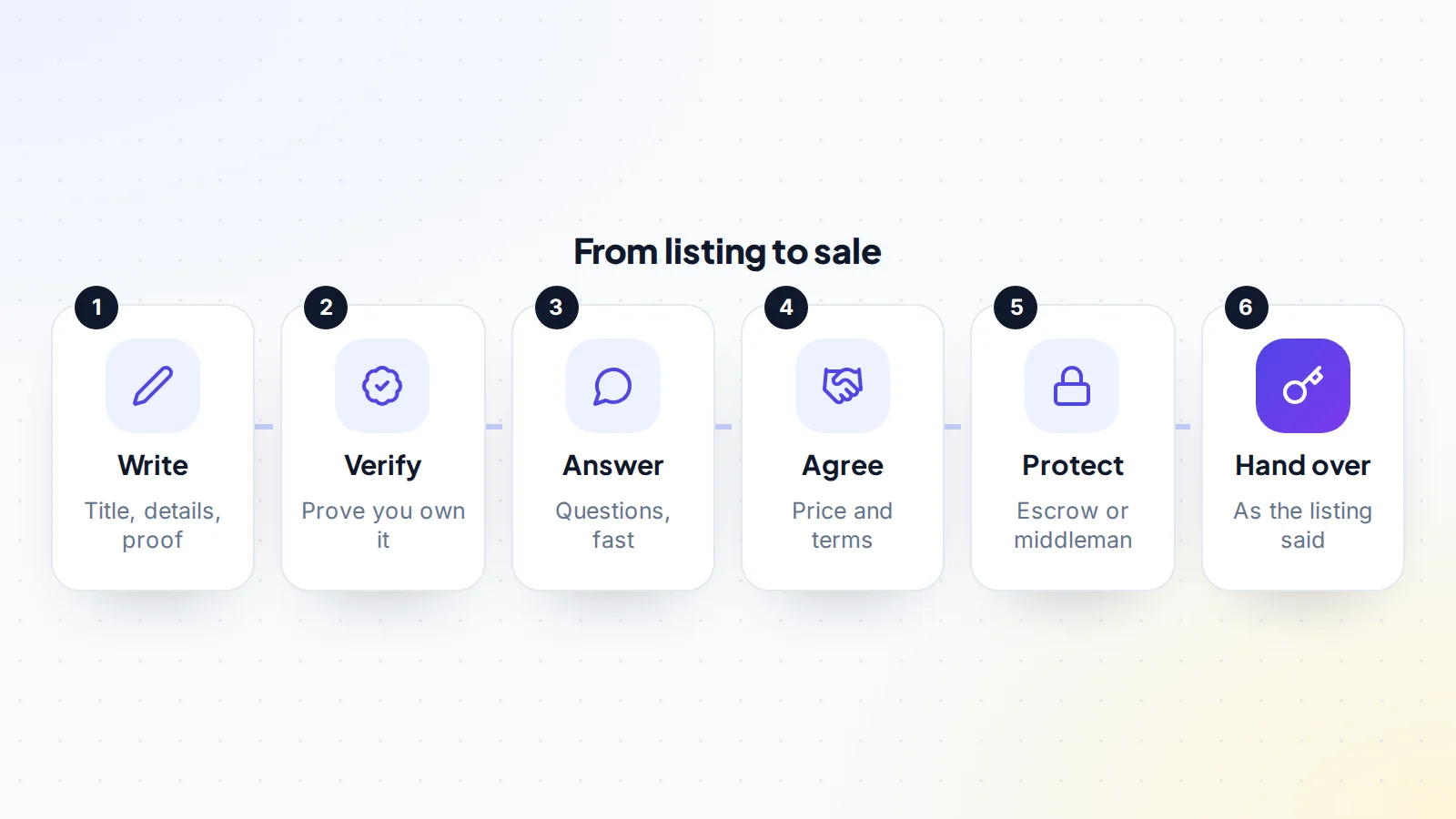
- Title names game, platform, region and the highlight.
- Key details listed near the top.
- Rare items named and shown.
- Current and peak rank with seasons.
- Fresh, dated screenshots with personal details hidden.
- Ownership verified on the marketplace.
- Price based on similar sales.
- Clear handover section with escrow or a middleman.
Ready to sell? List your game account with 0% success fee up to $10,000, then 5% (max $5,000), and get it verified on digiflippers.com.
Ready to sell?
List it on digiflippers.com with verified numbers, answer buyers in one place and agree every step in a free Deal Room. 0% success fee up to $10,000, then 5% (max $5,000).
Frequently asked questions
What should a game account title include?
The game, platform, region if relevant, and the account’s best feature.
How many screenshots should I add?
Enough to show the profile, rank, inventory and rare items, all fresh and dated.
Should I show my account name?
Showing the in-game name helps buyers check it. Hide emails, real names and payment details.
How do I price my account?
On recent sales of similar accounts for the same game, platform and region.
Should I accept offers?
If you like. Decide your lowest price in advance so you can answer quickly.
What does the handover section need?
How the email, two-step verification and linked accounts move, and that payment goes through escrow or a middleman.
Does verification help?
Yes. It shows buyers the marketplace has seen proof you control the account.
How often should I update my listing?
Whenever ranks, items or prices change, and refresh screenshots every few weeks.